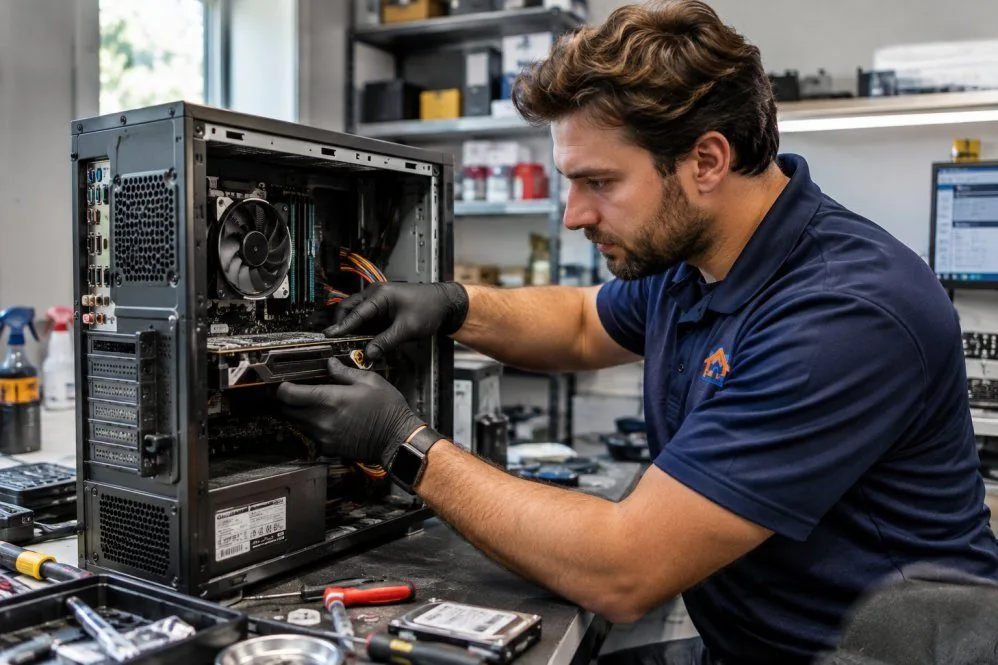
Desktop and Laptop Repair
Computer Repair Services in Ashburn, VA
Tell us what your computer is doing. Get a Free Estimate
Desktop and Laptop Repair
Tell us what your computer is doing. Get a Free Estimate
When a computer stops working properly, it can be difficult to know whether the problem is serious or relatively simple. A laptop that will not charge, a desktop that repeatedly restarts, or a computer that freezes during normal use may have several possible causes. AZ Tech Repair helps customers in Ashburn and Northern Virginia investigate desktop and laptop problems and understand the available repair options.
We begin with the symptoms and the way the computer is used. Our goal is to identify the underlying issue, consider the condition of the system, and recommend practical next steps rather than replacing components without a clear reason.
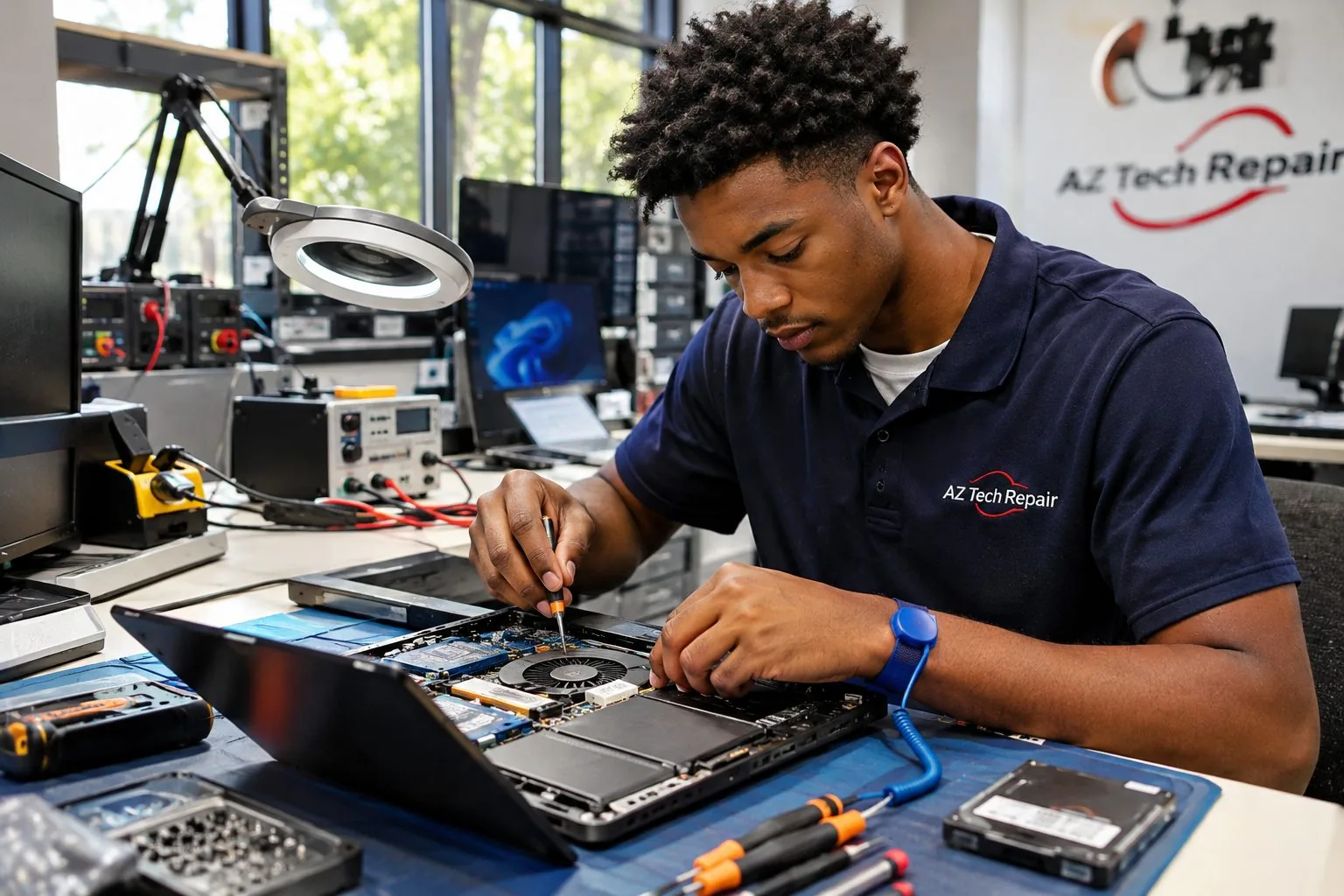
Computer repair is not simply about replacing broken parts. Many symptoms can come from several different sources. A machine that shuts down unexpectedly might be overheating, experiencing a power issue, or encountering a software fault. A computer that will not start could have a charging problem, damaged storage, or a failing internal component. We look at the symptoms, recent changes, and available diagnostic evidence before discussing repairs. This helps customers understand the likely cause and avoid unnecessary replacement work.
We discuss the computer model, the problem you are seeing, and any important files or deadlines involved. After an initial assessment, we explain the repair possibilities and whether additional investigation is needed. When replacement parts are involved, compatibility and availability must be considered. We also discuss whether repairing the computer makes practical sense. The right decision depends on the device's condition and how well it meets your needs.
A computer that shows no signs of power may have a charging, power supply, battery, motherboard, or internal connection problem. We investigate the reported symptoms and consider the most likely causes before recommending repairs. For laptops, the charging adapter and power connection may be part of the assessment. For desktops, the power supply and internal components may need attention. A computer that turns on but cannot load its operating system requires a different diagnostic approach.
Random restarts, sudden shutdowns, and frequent freezing can interrupt work and may indicate an underlying fault. Possible causes include overheating, unstable software, memory problems, storage issues, or failing hardware. We consider when the problem occurs and whether it follows a particular activity. Understanding those patterns helps narrow the investigation and identify appropriate corrective work.
A laptop that only works while plugged in or refuses to charge may have a worn battery, faulty adapter, damaged charging connection, or internal electrical problem. Similar symptoms do not always have the same cause. We review the available evidence and discuss whether battery replacement, connection repair, or further investigation is appropriate. Component compatibility is especially important with modern laptop designs.
Storage devices, memory, cooling systems, and other internal components can develop faults over time. Some problems cause obvious errors, while others appear as intermittent instability or declining performance. We help identify affected components and consider suitable replacements where repair is feasible. We also account for the computer's age, compatibility requirements, and the importance of protecting existing files.
Startup errors, failed updates, damaged system files, and conflicting software can make an otherwise functional computer difficult to use. A software issue may resemble a hardware failure, which is why diagnosis matters. We investigate the behavior and discuss possible software repair options. When a procedure could affect stored files or installed applications, we explain the implications before proceeding.
Excessive heat can cause loud fans, reduced performance, unexpected shutdowns, and uncomfortable laptop surfaces. Dust buildup, blocked airflow, aging cooling materials, or faulty fans may contribute to the problem. We assess cooling-related symptoms and consider the computer's physical design and operating conditions. The appropriate solution depends on the source of the heat and the condition of the components.
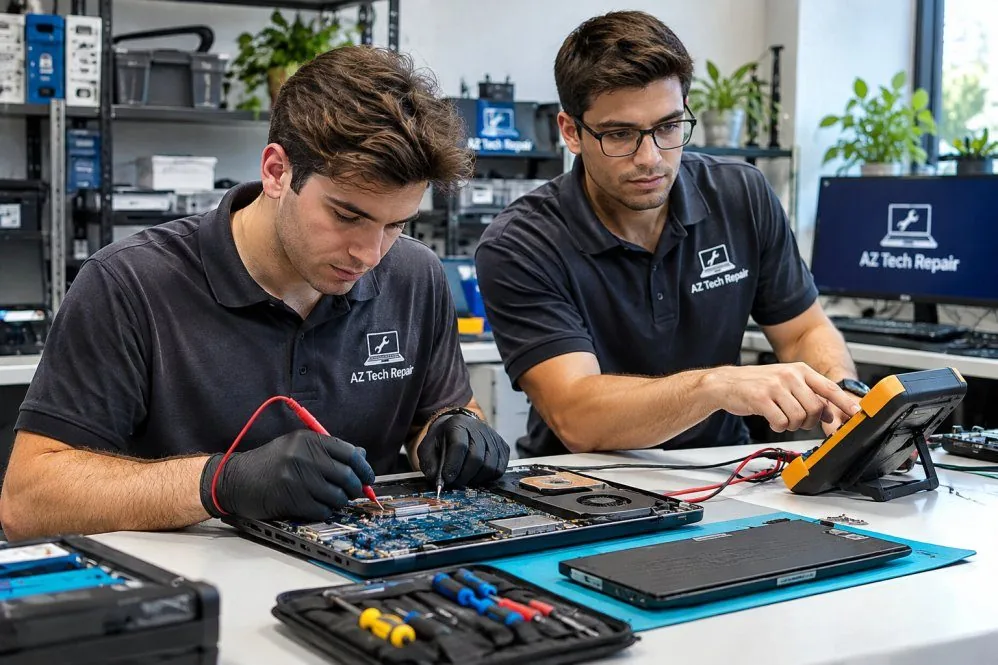
We listen to what changed and how the computer behaves before discussing possible repairs.
We look at device condition, compatibility, and intended use when evaluating repair options.
We help you understand when a repair, upgrade, or replacement may be the more practical direction.
Desktop or laptop not working properly? Contact AZ Tech Repair to discuss the problem.
Free — no obligations
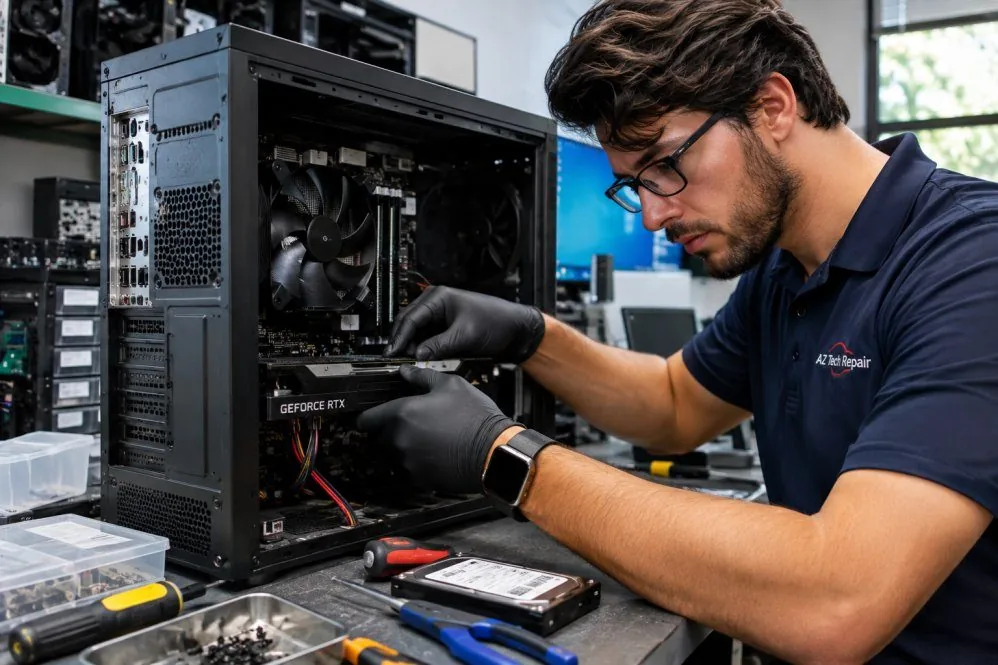
Tell us the computer type, model if known, and the symptoms you have noticed.
We consider likely causes and determine what diagnostic work may be needed.
We explain the findings, relevant risks, and possible repairs before you decide how to proceed.
When repair work is agreed upon and feasible, we address the identified issue and check the relevant functions.