Computer Problem Diagnosis
Computer Diagnostics and Troubleshooting in Ashburn
Not sure what is wrong? Start here. Get a Free Estimate
Computer Problem Diagnosis
Not sure what is wrong? Start here. Get a Free Estimate
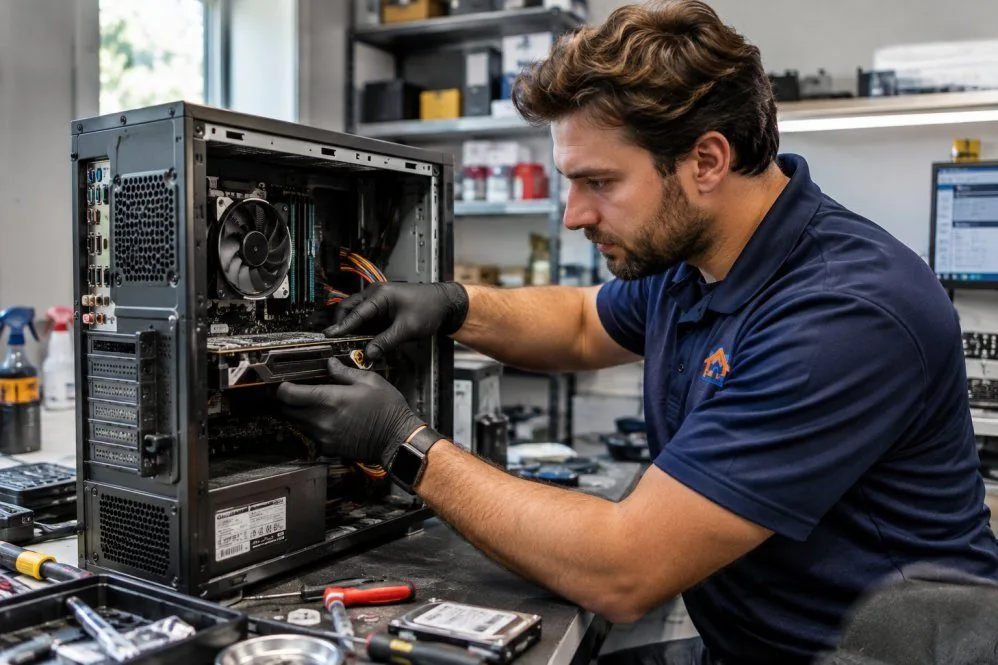
Some computer problems are easy to describe but difficult to explain. A desktop may restart without warning, a laptop may freeze during a video call, or an error message may appear only occasionally. AZ Tech Repair helps customers in Ashburn and Northern Virginia investigate unclear computer problems.
Diagnostics are about gathering evidence. Rather than guessing at a failed component, we consider symptoms, recent changes, and relevant system behavior to narrow down possible causes and discuss appropriate next steps.
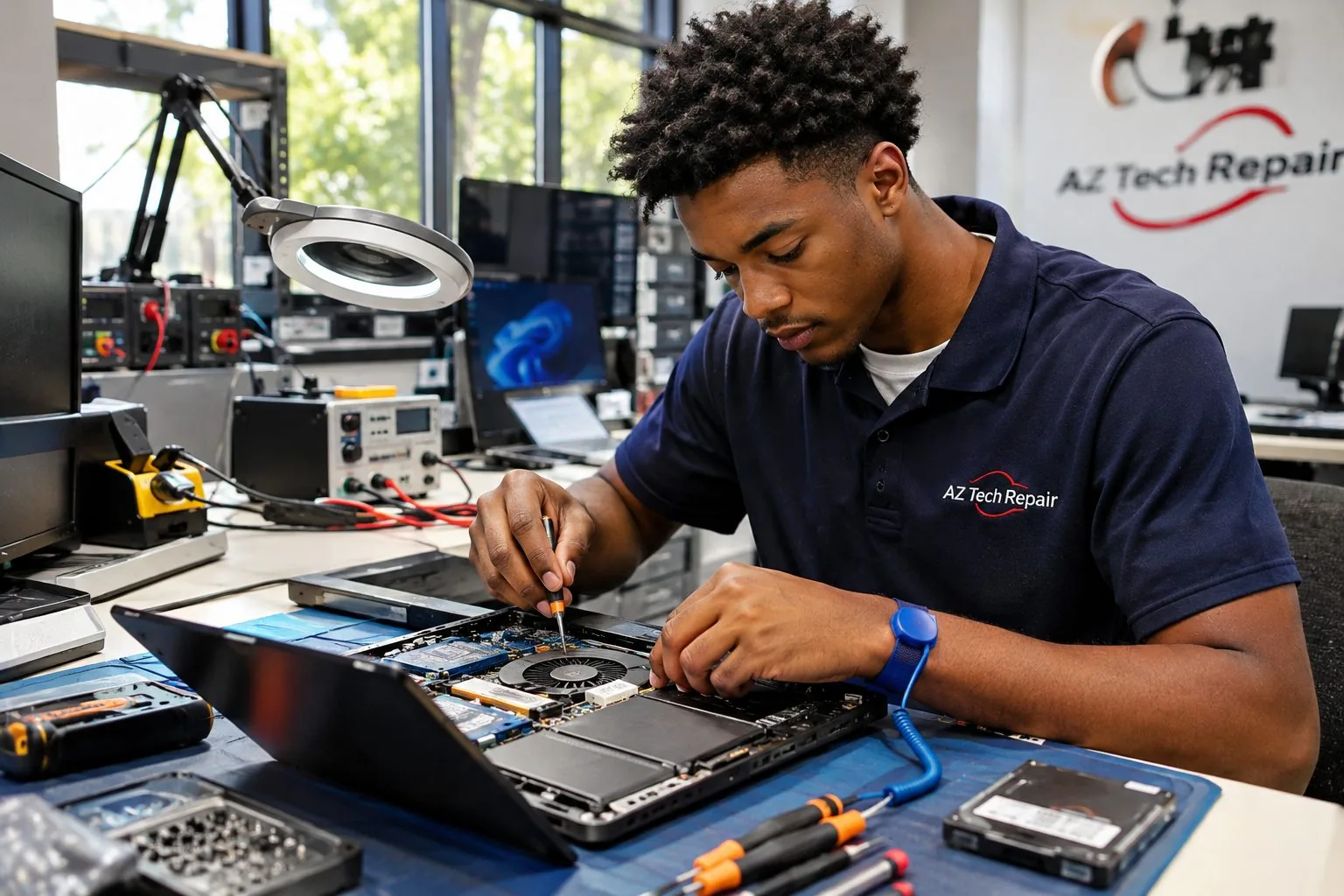
A computer crash may be caused by software, memory, storage, temperature, or power instability. An error message can sometimes identify the affected area, but it does not always reveal the underlying fault. That is why a useful diagnostic process considers the complete situation. When did the problem begin? Does it occur during a particular task? Did anything change shortly beforehand?
A computer that fails only occasionally can be more difficult to diagnose than one that consistently refuses to start. We consider patterns and available evidence while recognizing that some faults may not appear during every test.
The purpose of troubleshooting is to help determine the likely cause and the next practical action. Sometimes the findings point toward a specific repair. Other times, additional testing or monitoring may be necessary before a conclusion can be reached.
Blue screen errors and unexpected crashes can indicate driver conflicts, unstable hardware, corrupted software, or other system problems. The displayed error may provide useful clues but should not be treated as a complete diagnosis. We consider the circumstances of the crash and available system information. Identifying patterns can help narrow the possibilities and guide further testing.
A computer may power on but fail to load its operating system. Possible causes include storage problems, damaged system files, incorrect configuration, or hardware faults. We assess how far the startup process progresses and what errors appear. This helps distinguish a power-related problem from a boot or operating system issue.
Unexpected restarts can occur because of overheating, unstable power, failing components, or software errors. The timing and frequency of the problem may help identify where to investigate. We review reported behavior and relevant system conditions before discussing corrective action. Intermittent faults sometimes require additional observation.
Loud fans, clicking sounds, or excessive heat can signal cooling problems or component wear. Some noises are normal, while others deserve prompt attention. We consider the sound, operating conditions, and computer type. If a storage drive appears mechanically damaged, limiting further use may help avoid additional data risk.
USB devices, external monitors, keyboards, and other accessories may fail because of drivers, damaged ports, cables, or configuration issues. The accessory itself may also be responsible. We investigate the connection between the computer and affected device. The goal is to identify whether the problem originates in the accessory, software, or computer hardware.
Applications that repeatedly close, fail to update, or display unexplained messages can disrupt normal work. Causes may include corrupted files, incompatible software, limited resources, or system configuration problems. We consider the specific application, operating system, and circumstances. The appropriate solution depends on whether the issue is isolated or affects the broader computer.
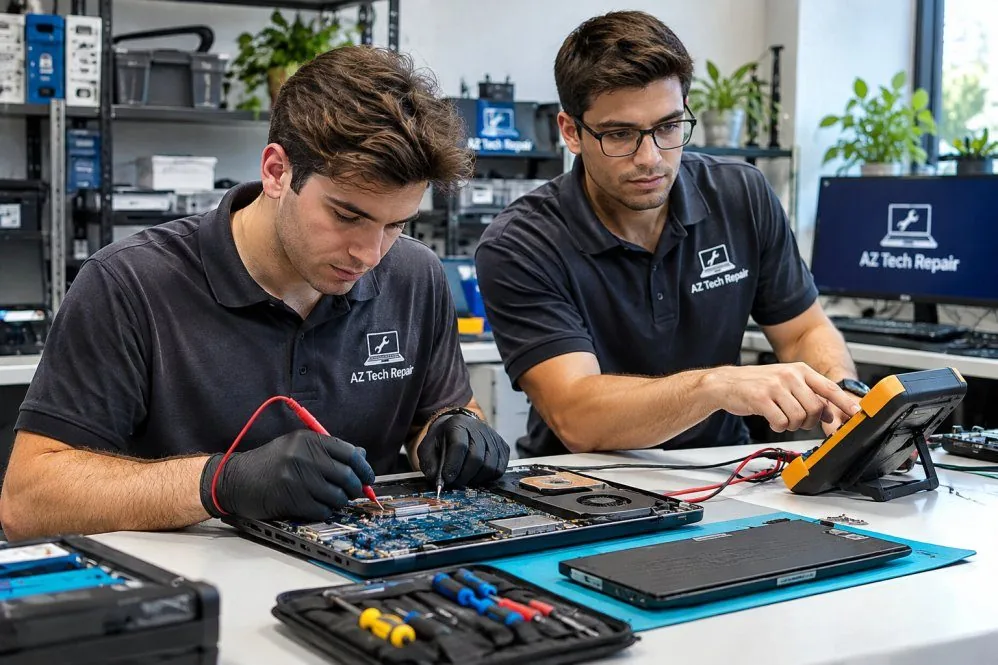
We use the reported symptoms and available diagnostic information to narrow down possible causes.
We explain what the investigation suggests and where uncertainty remains.
Our goal is to help customers make informed decisions about repair, monitoring, or replacement.
Computer behaving unpredictably? Describe the symptoms and ask about diagnostics.
Free — no obligations
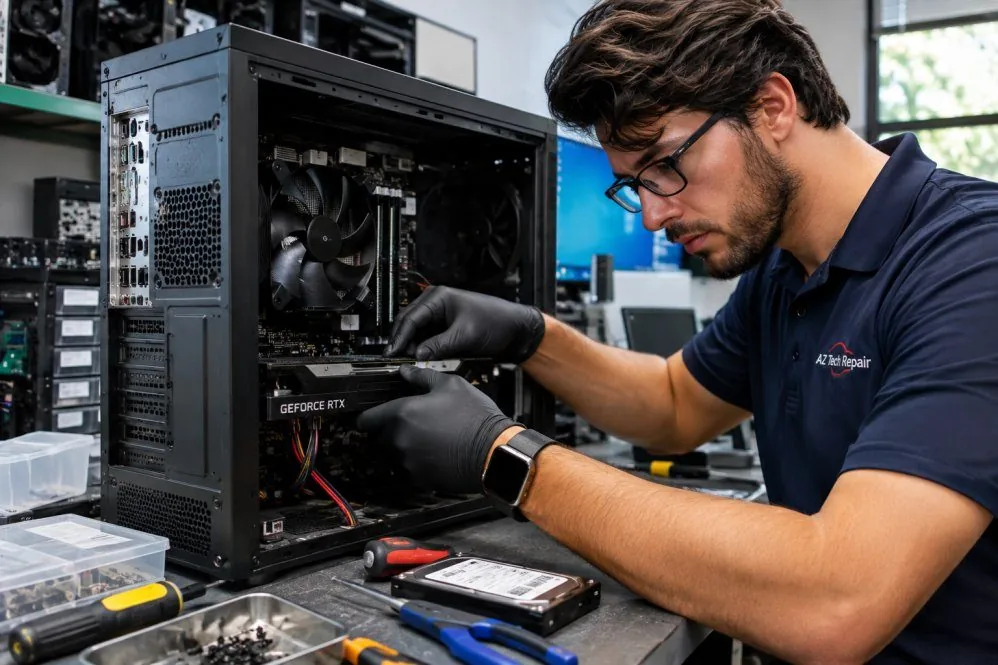
We discuss error messages, unusual behavior, and recent changes.
We consider relevant hardware, software, and operating conditions.
Appropriate diagnostic checks help identify or rule out potential faults.
We discuss what the evidence indicates and which next steps may be useful.