Custom Desktop Computer Builds
Custom Computer Builds in Ashburn, VA
Planning a new desktop PC? Get a Free Estimate
Custom Desktop Computer Builds
Planning a new desktop PC? Get a Free Estimate
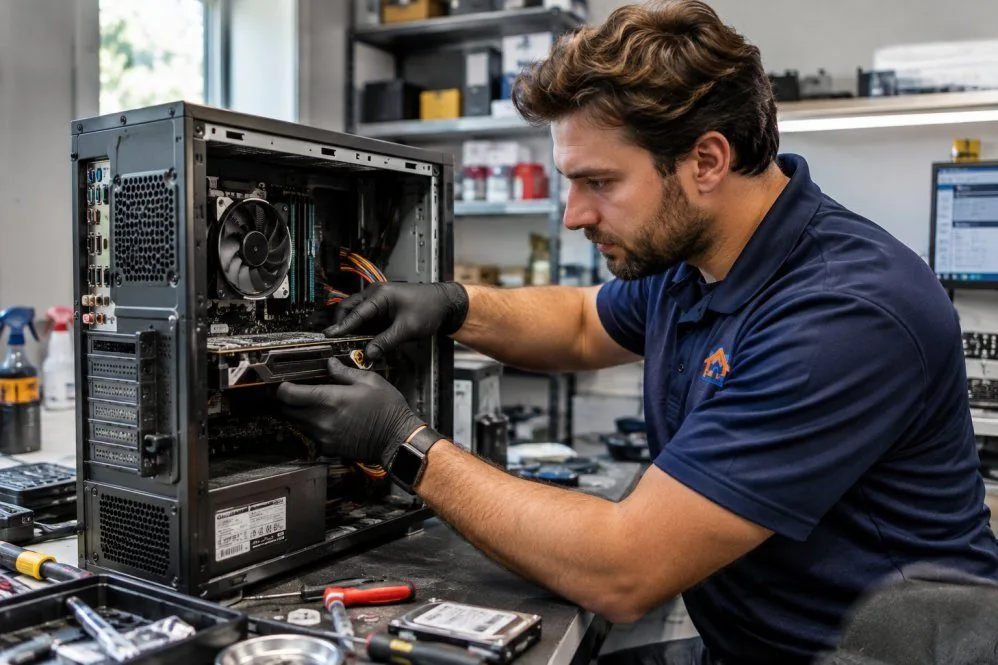
A custom computer gives you more control over the components, performance, and upgrade possibilities of your desktop system. Whether you want a gaming PC, a workstation, or a reliable everyday computer, the best starting point is understanding how you plan to use it.
AZ Tech Repair helps customers in Ashburn and Northern Virginia think through custom computer builds. We focus on compatible parts, balanced performance, cooling, storage, and practical upgrade options rather than choosing components based on specifications alone.
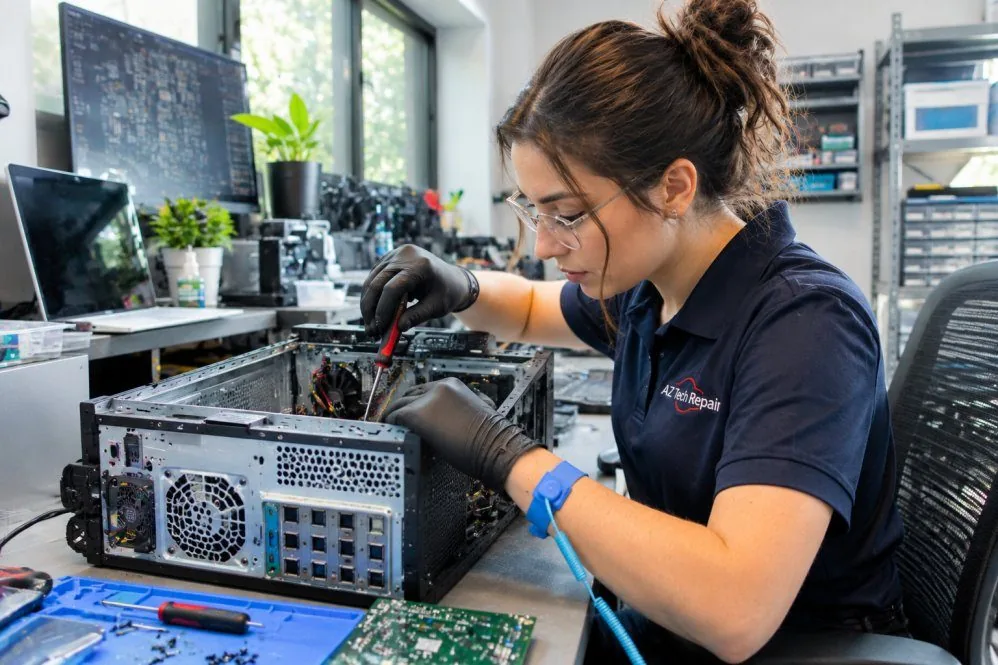
A gaming computer, an office workstation, and a desktop used for video editing may have very different requirements. Processor performance, graphics capability, memory, storage, and cooling should reflect the tasks the system will handle. We begin by discussing the applications you use, the performance you expect, and whether future upgrades matter to you.
Computer components must work together physically and electronically. The motherboard, processor, memory, graphics card, power supply, case, and cooling equipment all affect the build. A component that performs well in one system may be unsuitable for another. Planning helps reduce compatibility problems and unnecessary purchases.
An expensive graphics card does not compensate for every other limitation. Likewise, additional memory is not always useful when the intended applications do not need it. We aim for a balanced configuration that fits the computer's purpose and leaves room for sensible future changes where possible.
Gaming performance depends on the games you play, your display resolution, desired settings, and expectations for responsiveness. Different games place different demands on processors and graphics hardware. We help consider suitable components, cooling, storage, and power requirements. A balanced gaming build should account for the entire system rather than focusing on a single headline component.
Workstations used for editing, design, development, or other demanding applications may benefit from particular processor, memory, graphics, or storage configurations. Requirements vary by software and workload. We discuss the applications involved and consider hardware compatibility and upgrade potential. The objective is to select components that support the work the computer is expected to perform.
A general-purpose desktop does not always need high-end gaming hardware. For browsing, office applications, video calls, and everyday tasks, reliability, storage responsiveness, and appropriate memory may matter more. We help plan practical configurations without unnecessary complexity. Component choices should support the expected workload and provide reasonable flexibility for future needs.
A custom build requires careful attention to processor sockets, motherboard features, memory standards, graphics card clearance, power connections, and cooling support. We review how components fit together and consider whether the proposed system has suitable capacity for the intended tasks. Compatibility planning is an important part of avoiding preventable build problems.
Cooling affects stability, noise, and sustained performance. Case design, fan placement, processor cooling, and component heat output all influence the final system. We consider airflow and cooling requirements during build planning. The goal is a configuration that supports the selected hardware without unnecessary complexity.
Some customers want a computer that can be upgraded gradually rather than replaced entirely. Motherboard features, available expansion space, power capacity, and component standards affect those possibilities. We discuss likely upgrade paths and their limitations. No computer can be guaranteed to support every future component, but thoughtful planning can improve flexibility.
We start with the applications and tasks that matter to you.
We consider how the processor, graphics, memory, storage, cooling, and power supply work together.
We discuss reasonable expansion possibilities and compatibility limitations.
Thinking about a custom desktop? Tell us what you want the computer to do.
Free — no obligations
Tell us what the computer will be used for and which performance goals matter most.
We consider compatible hardware and balanced system requirements.
We discuss the proposed setup, component availability, and relevant tradeoffs.
When a build is agreed upon, we assemble the system and check relevant operation and configuration.