Slow Computer Help
Computer Tune-Ups and Speed Upgrades in Ashburn
Tired of waiting for your computer? Get a Free Estimate
Slow Computer Help
Tired of waiting for your computer? Get a Free Estimate
A slow computer can turn simple tasks into frustrating interruptions. Applications take longer to open, startup feels endless, and switching between programs becomes difficult. AZ Tech Repair helps Ashburn and Northern Virginia customers investigate performance problems and consider practical improvements.
Some slowdowns are caused by software or limited storage space. Others come from insufficient memory, aging storage hardware, overheating, or demanding applications. We focus on identifying the actual bottleneck before recommending changes.
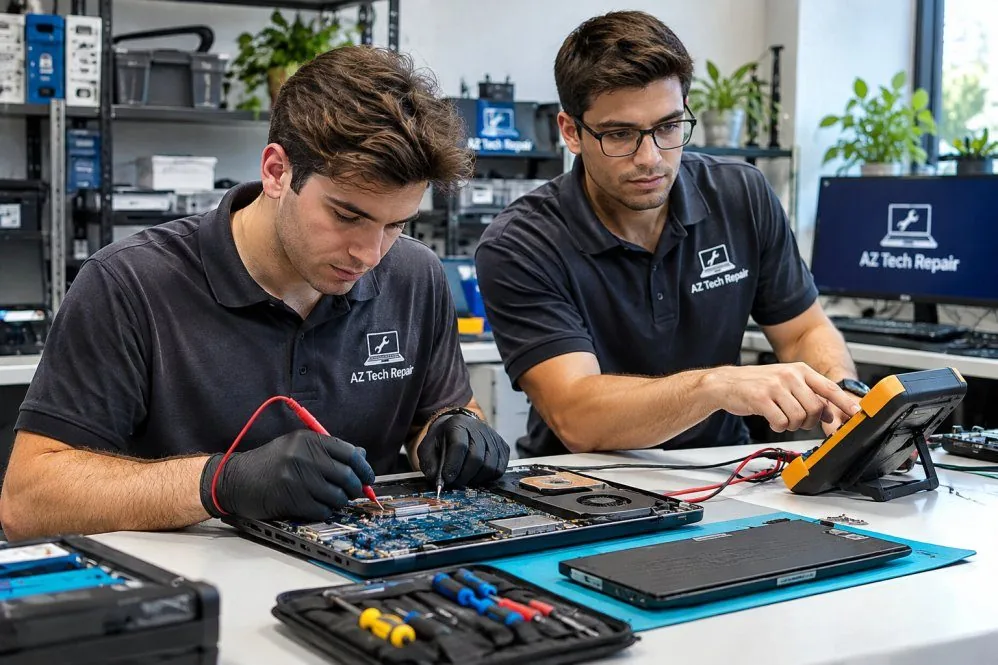
Computers can lose responsiveness for many reasons. Background programs may consume system resources, storage may become crowded, updates may introduce conflicts, or hardware may no longer meet current software requirements. The age of a computer matters, but age alone does not determine whether an upgrade is worthwhile. Some systems respond well to a targeted improvement, while others have limitations that make extensive upgrades less practical.
Installing more memory does not solve every performance problem. Replacing a hard drive with a compatible solid-state drive may improve storage responsiveness, but it will not correct overheating or failing software. Effective upgrades address the component limiting the computer's performance.
Before significant software changes or storage replacement, important files should be considered. We discuss backup needs and the implications of moving or reinstalling software so customers understand what the process may involve.
A computer that takes a long time to become usable after powering on may be affected by startup applications, storage performance, software problems, or limited system resources. We review likely causes and consider which changes may make startup more manageable. The goal is to improve responsiveness without removing applications or settings that are important to the customer.
A compatible solid-state drive can improve storage responsiveness in computers still using older mechanical drives. The potential benefit depends on the computer's interface, current hardware, and overall condition. We discuss drive compatibility and the practical options for transferring or reinstalling software. File protection and storage requirements are important parts of planning the change.
Insufficient memory can cause a computer to struggle when several applications or browser tabs are open. Some computers allow memory expansion, while others have memory permanently attached to the system board. We consider current usage, supported memory specifications, and whether additional capacity is likely to help. An upgrade should match the computer's capabilities and actual workload.
Unnecessary startup programs, outdated applications, conflicting software, and excessive background activity can affect responsiveness. Cleanup should be selective rather than removing unfamiliar programs without understanding their purpose. We review possible software-related causes and discuss appropriate adjustments. The aim is to reduce avoidable slowdowns while preserving the programs and settings customers rely on.
Computers may reduce their operating speed when internal temperatures become excessive. This can cause sudden slowdowns during video calls, gaming, editing, or other demanding tasks. We consider airflow, cooling behavior, fan operation, and other relevant symptoms. Addressing a cooling problem may be more useful than installing faster components.
An older computer may still be useful for browsing, documents, schoolwork, or other everyday activities. However, hardware limitations and operating system support can affect the value of an upgrade. We help customers weigh expected performance improvements against the system's overall condition and intended use. Sometimes a modest change makes sense, while replacement may be the more practical choice.
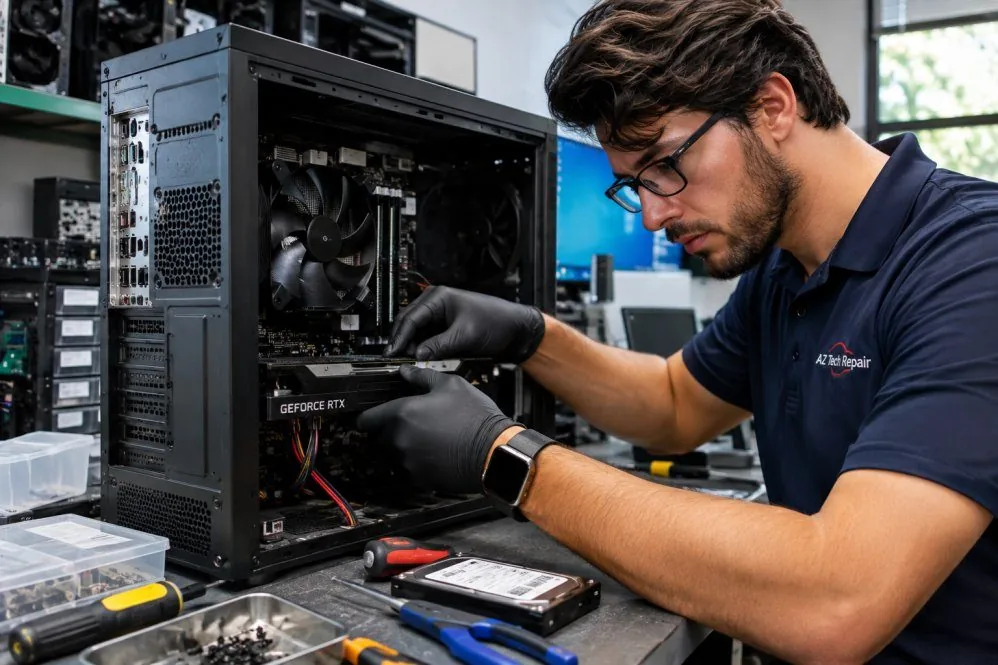
We focus on the reason a computer is slow instead of recommending upgrades without evidence.
We consider hardware limitations before discussing replacement storage or memory.
We explain what an upgrade may improve and what limitations could remain.
A slow computer does not always need replacing. Ask about practical performance improvements.
Free — no obligations
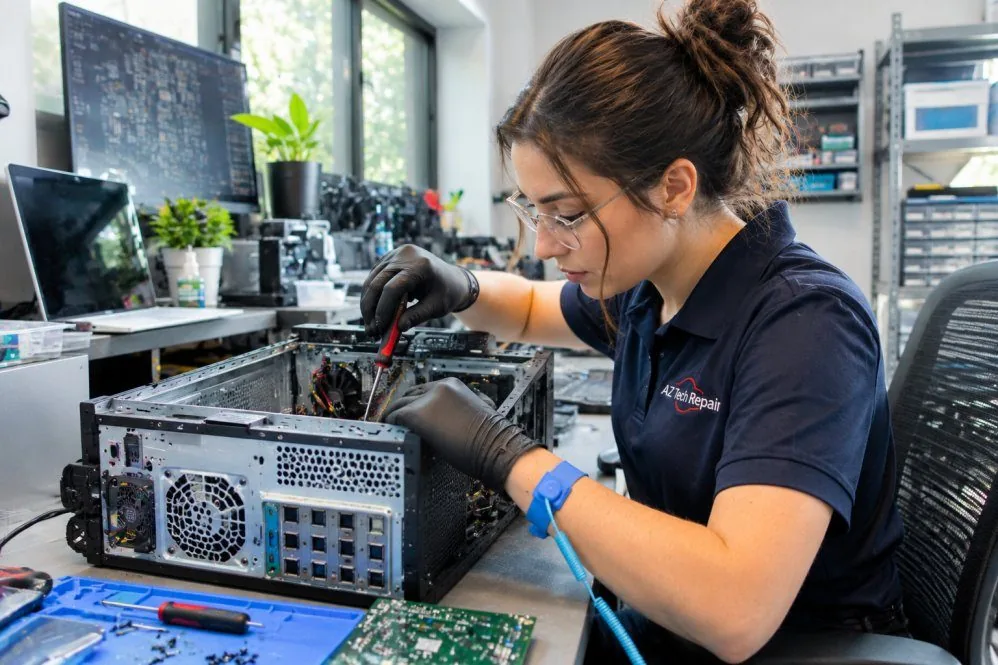
Tell us when the computer feels slow and which applications are affected.
We consider software, storage, memory, temperature, and other performance factors.
We explain potential changes, compatibility requirements, and expected benefits.
When appropriate, we carry out the selected work and review the resulting behavior.